Switching to LogAI: an AI-powered ERP migration guide from Tally, Zoho and spreadsheets
Guides · · 8 min read · By Vikram Shah, Solutions, LogAI
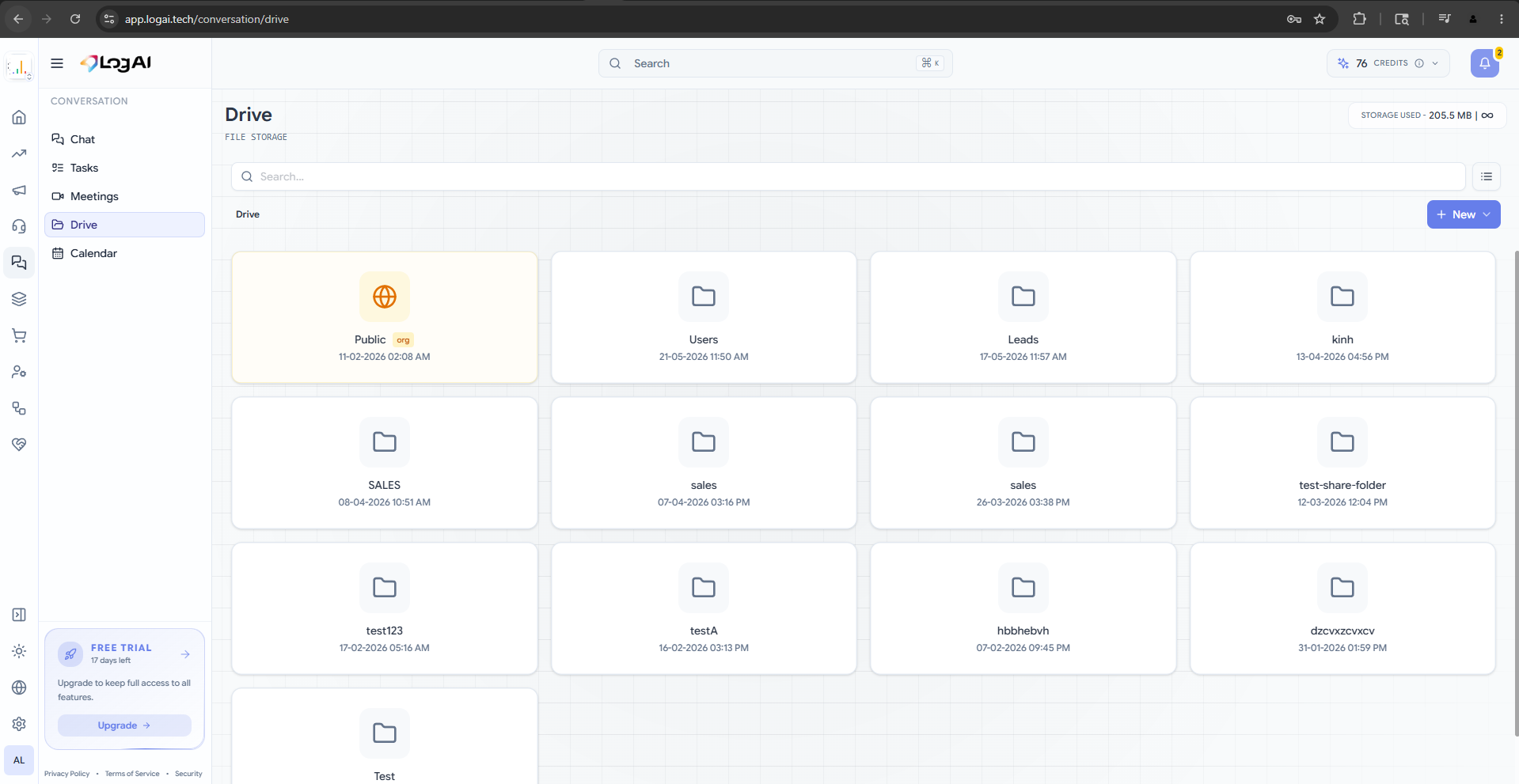
The biggest reason businesses stay on tools they have outgrown is fear of the move. Good news: migrating to LogAI is mostly importing what you already have, then turning things on one module at a time.
A migration plan that does not stop your business
- Start with contacts and products — import from CSV and you have a working catalog and CRM
- Turn on the channel you use most (usually WhatsApp) so the team feels value on day one
- Move open deals and orders next, so nothing in flight gets lost
- Switch on commerce and the store once the basics feel comfortable
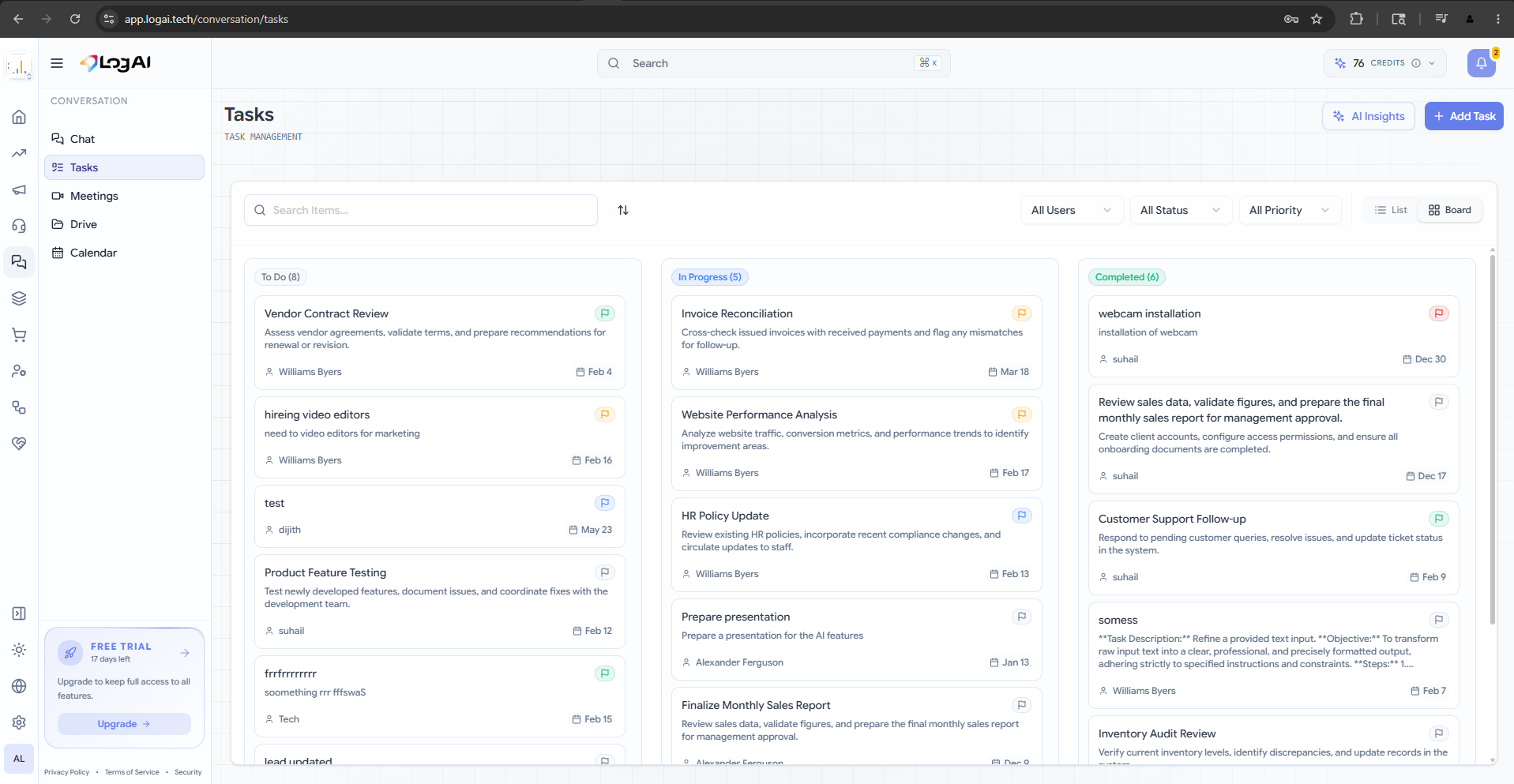
Run in parallel, then commit
You do not have to flip a switch overnight. Run LogAI alongside your old setup for a couple of weeks, confirm the data and workflows hold, then retire the tools you no longer need. Because everything in LogAI shares one data layer, there is far less to migrate than a stack of disconnected apps.
We expected a painful month. It took an afternoon to import and a week to feel at home.
Start free with LogAI — no credit card, full access, set up in five minutes.